



Part 1 of a beginner-friendly series on the agents built into Atlassian Cloud.
Many say AI will transform how we use Jira and Confluence. Interestingly, with Atlassian Rovo, much of this future is already accessible in your account if you’re on a paid Atlassian Cloud plan. The key difficulty is figuring out where to start.
That is the purpose of this series. Rovo comes with over 20 ready-to-use agents, all built by Atlassian, and there is nothing you need to set up. Each agent acts like a small AI teammate with one clear job. You do not need to configure or code anything—just open Chat and ask.
Before we look at each team, it helps to understand what an agent is. Imagine a colleague who has one main skill: you explain what you need in simple words, the agent does the work, and gives you the result. You do not need any special training.
We will start with the five agents that are useful for everyone, no matter which team you are on. If you are new to Rovo, this is the best place to start.
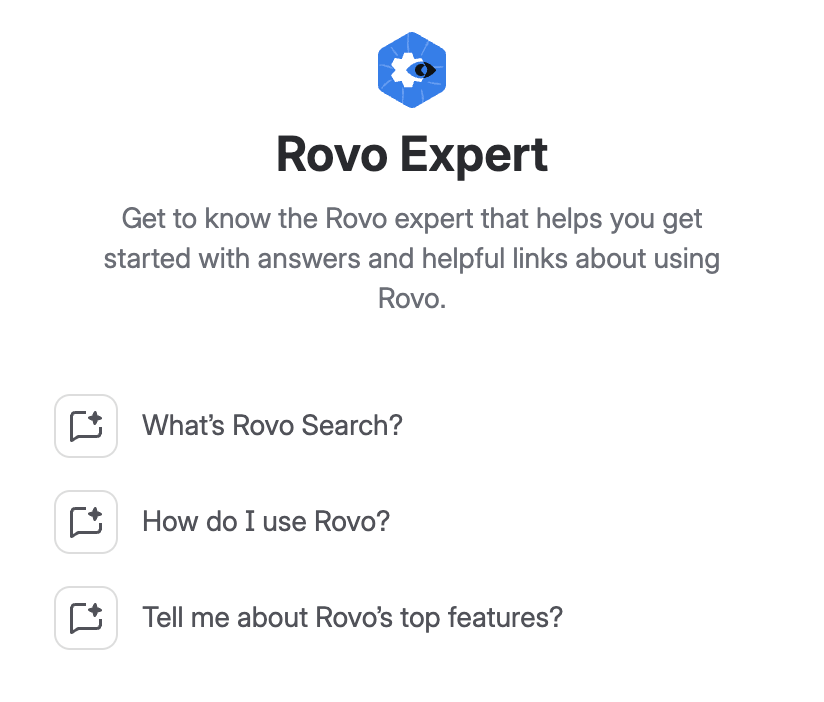
Rovo Expert
If you try just one agent this week, choose this one. Rovo Expert is here to help you from day one. You can ask questions in plain language, just like you would ask a helpful coworker, and it will reply with useful advice and links to the right resources. It solves the biggest problem with new tools: not knowing what they can do. Think of it as your individual guide.
Global Translator
Good work can lose impact if some people cannot read it easily. Global Translator solves this problem in Atlassian. You give it your text, and it returns your content in many languages, ready to share. There is no need to copy and paste into another tool or wait for an agency to handle simple updates. For teams working from anywhere, it quietly removes a barrier you might not even notice.
Transcript Insights Reporter
We have all left meetings with good decisions that no one wrote down. Transcript Insights Reporter takes a meeting transcript and pulls out what matters most: the main points, decisions, and recommendations you can use. You give it the transcript, and it gives you the following steps. The recording becomes a source of tasks instead of something you never look at again.
Meeting Insights
Atlassian added this agent recently, and it is worth understanding how it differs from the one above. Meeting Insights works with Loom’s AI meeting notes in Confluence. Instead of handing it one transcript, you ask questions across your meetings: what was decided in a certain meeting, what came out of a whole week of them, or what was agreed in meetings with a specific teammate. It searches the transcripts and summaries for you, so you never open a recording.
The rule is simple. If your team records in Loom, use Meeting Insights. If your transcripts come from somewhere else, use Transcript Insights Reporter. Same problem, two routes, depending on your setup.
User Manual Writer
Good teamwork starts with understanding how people like to work. User Manual Writer helps everyone create a short “how to work with me” page, including your preferred hours, communication method, and other helpful details. You share your preferences, and it creates a friendly page you can send to others. This small step saves time whenever someone new joins, turning weeks of guessing into a quick five-minute read.
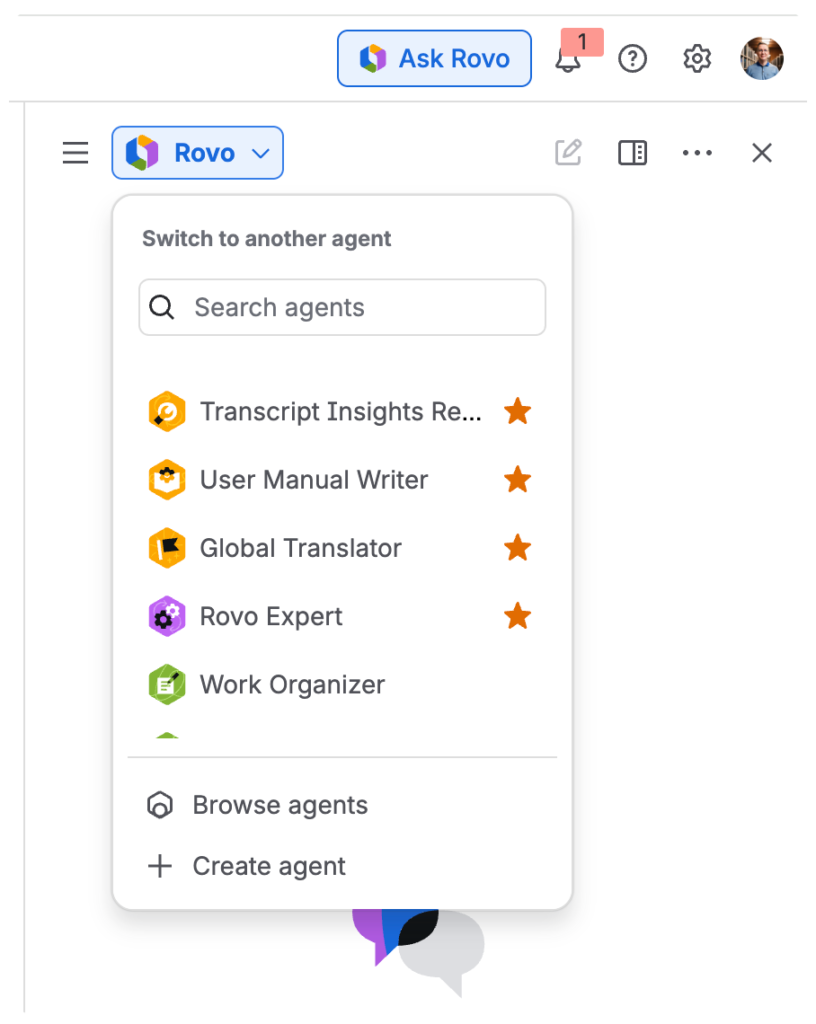
How to find them
Open Chat in Jira or Confluence, look through the agents, and choose one. Type your request just like you would message a teammate. Each agent works right away, so you can try all four in just a few minutes.
Start using them
The agents are already available in your account. All you need to do is open Chat and ask to get started. If you have not tried these agents yet, now is a great time. Begin with these four, and follow the series as we cover each team, starting with service and support.
Helpful links:
- Atlassian’s official list of the agents that ship with Rovo:
Out-of-the-box agents | Rovo | Atlassian Support